LegacySMP
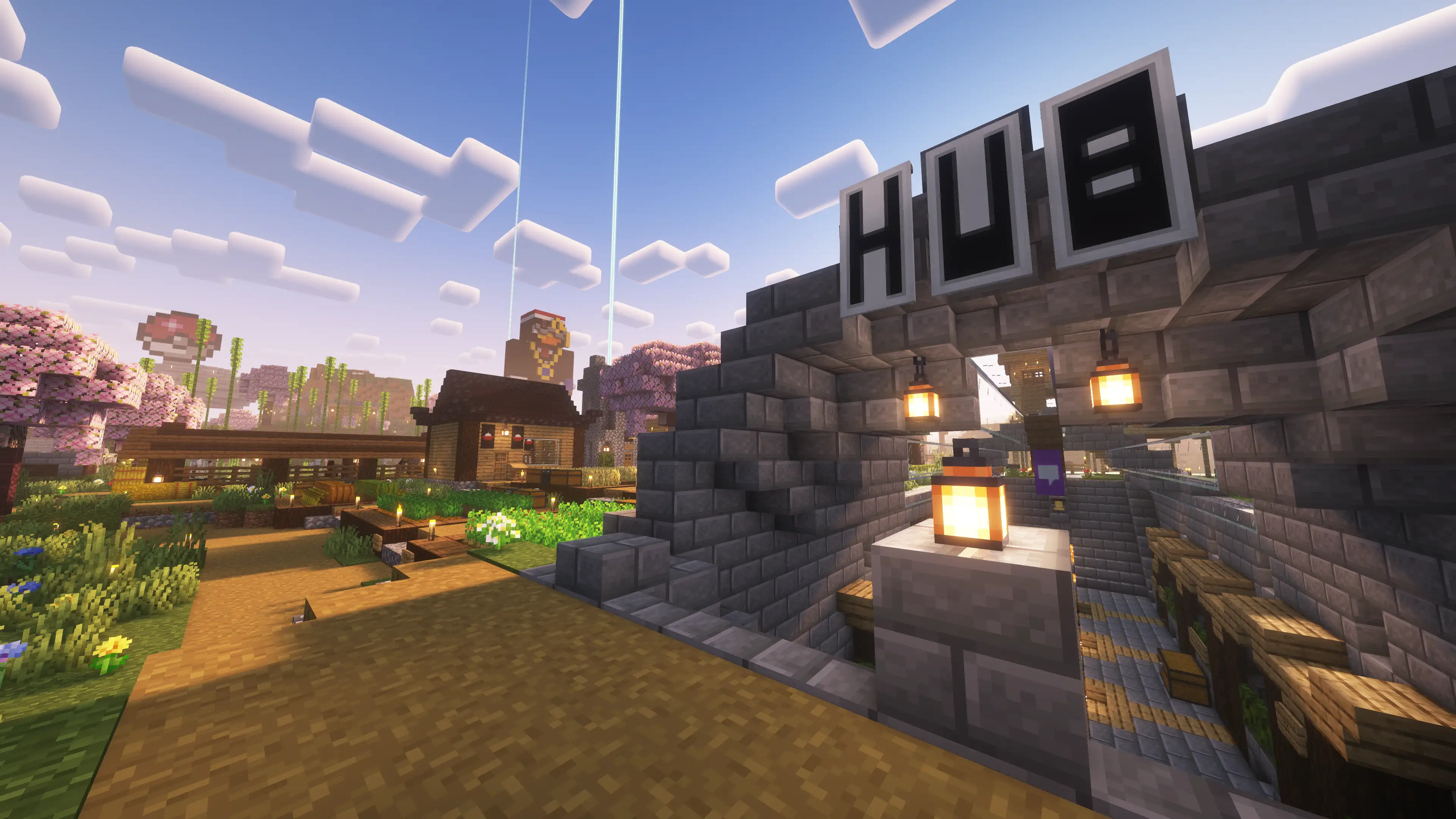
LegacySMP is an actively updated semi-vanilla cross-platform Minecraft server running a 7+ year old world. You can rest assured that any builds you make on this server will be ever-lasting. Running 24/7, 365.
Join the server on Java and Bedrock Edition at
Copied! legacy.informallounge.com
Bedrock Edition Port
Copied! 19132
Server Status
Offline
Last checked:
Live World Map
Click here to view the LegacySMP live map in a new tab.
General Server Info
LegacySMP is an actively updated semi-vanilla cross-platform Minecraft server running a 7+ year old world.
The core experience is inherently casual, laid-back, and designed to be approachable by players of all play styles.
Generally, the rules can be boiled down to "Use common sense and be respectful of other players."
Teleporting
Given the semi-vanilla nature of the server, we do allow teleporting, but it is extremely limited.
Players are allowed to teleport to one another OR to their bed, however, there is a full real life one-week cooldown period between each teleport. We also do not allow setting homes, however, you can teleport to your bed - with the same one-week cooldown.
You can use /tpa to request teleporting to another player or you can use /home bed to teleport to your bed.
TNT Duping
TNT duping is generally allowed on the server, for constructive uses such as automating farms or mining. However, if you are using TNT duping for purely destructive purposes and/or to grief other players we will consider that breaking the rules.
If we begin noticing performance issues due to TNT duping, we may ask players to pause or completely stop their TNT dupers until the issues are resolved.
Item Duping
Item duping is not completely banned, but we ask that players do it within reason.
For example, the bugs we've seen in the past with carpet, rails, or even gravity affected blocks (such as sand, gravel, and concrete powder), are very commonly seen used on long-standing or megabuild servers such as Hermitcraft, so we typically allow them here as well.
However, duping things such as netherrite or other rare items can ruin the survival gameplay experience for many players, so we ask that you use your best judgment on which items should/should not be duped and/or distrubted to other players.
World Generation
This server uses vanilla Java Edition world generation. We do not have any plugins that knowingly modify world generation. However, you may find oddities from time-to-time given the age of the world and the fact that it has been updated through many different versions of Minecraft.
If you have any questions or concerns about specific aspects of the world generation, please reach out to Dan or Swisher on Discord.
Mods/Hacked Clients
We believe it's fair to say this falls into the "Use common sense" mindset here on the server, so we aren't going to list every specific mod or client that we allow or disallow.
We generally allow any client-side mod that does not impact the game's balance or fairness to other players.
Things such as x-ray, speed hacks, fly hacks, etc are not allowed.
However, building enhancement mods such as Litematica are allowed.
Anything that falls in between these examples is more of a grey area, and we ask players to use their best judgement as to not break the core survival experience and/or negatively impact other players' experiences. If you're unsure about a specific mod or client (or need to report another player), please reach out to Dan or Swisher on Discord.
Griefing, Stealing, and Harassment
We simply do not tolerate any griefing, stealing, or harassment of any kind of the server. If you are doing anything that actively harms the experience of other players, you will be removed from the server.
We want players to beaware that we create countless backups of the world and have a handful of plugins that make it extremely easy to detect and roll back anything that any player does on the server.
Cross-Play & Bedrock Edition Guides
Guides on how to join from all platforms, how to sync Bedrock and Java edition characters, and general cross-platform info.
General cross-platform info
At its core, LegacySMP is a Minecraft Java Edition server. Because of this, there are several gameplay differences that Bedrock Edition players may not be used to. For example, things like the Java Edition combat system, Java Edition redstone mechanics, and Bedrock not allowing players to place blocks (or see them!) above the nether ceiling.
We use the plugins Geyser and Floodgate to bridge the gap between Java and Bedrock Editions to allow players to play on either platform. More information can be found in the Plugin Guide section below.
A full list of limitations can be found here on GeyserMC's wiki
How to sync your Bedrock and Java Edition accounts
Warning: if you skip syncing your accounts now and do it later, your Bedrock Edition character and inventory will be overwritten and deleted with no way to recover them.
If you'd rather wait to sync your accounts, you can avoid losing your items by emptying your inventory and ender chest into a regular chest before syncing.
If you're playing on Bedrock Edition on Playstation, Xbox, or Nintendo Switch, and the method you used to join already prompted you to sign into a Java Edition account you won't need to do this.
If you're playing on Bedrock Edition for Windows, iOS, or Android however, in order to have one character that's synced with Java Edition you will need to follow the guide linked below.
Also, during the process you will be asked to sign into the Microsoft account for your Bedrock Edition account, and another for your Java Edition account. There's a good chance these are the same account now that Java Edition uses Microsoft accounts. Even though you may be using the same account, you will still have to log into it twice in order for the server to know the two characters are the same.
Click here to follow the guide and sync your Java and Bedrock Edition accounts
How to join from Bedrock Edition on PlayStation, Xbox, and Nintendo Switch
There are a number of ways to join Java Edition servers from Bedrock Edition on console. Public GeyserConnect is a good resource that provides information on a lot of different ways you can join.
Please note, many of these methods will require a Java Edition account to play.
Also, given how inconsistent these methods can be, we will not offer any support to players having issues connecting from consoles and highly recommend you play from Java Edition or Bedrock Edition for Windows/iOS/Android.
Click here to view Public GeyserConnect's guides on how to join Java Edition servers from Bedrock Edition on console
Twitch Sub Benefits
Those who subscribe to our Twitch channel receive extra in-game and Discord benefits!
What do Twitch subs get?
There are a handful of in-game benefits available to our Twitch subs - most of which can be seen below within the Plugin Guide section. All of these are purely for fun and do not affect the core gameplay in any way. No free diamonds!
Subs gain a prefix in front of their name in-game to show off their sub status!
It looks like this:
Sub Username
Subs also have the ability to message in-game from Discord via the #legacysmp-server-chat channel on our Discord server.
How to activate in-game benefits
In order to sync your accounts and receive your sub benefits you need to be using a Java Edition account. If you're playing on Bedrock Edition please see the Cross-Play & Bedrock Edition Guide below for information on how to log into a Java Edition account when playing on Bedrock Edition.
Step one
Make sure your Twitch account is linked to your Discord - we validate your subscription using the Discord role that should be automatically assigned.
Click here for a guide on how to link your Twitch and Discord accounts.
Step two
Join the server
Step three
Type "/discord link" into chat
Step four
Take note of the 4-digit code you'll get in chat
Step five
Send the code to “LegacySMP Bot#1574” in a direct message on Discord
The bot should respond saying your account has been linked and you're all set! You should automatically receive your in-game role with the sub benefits within a few minutes.